What is a Rule?
Rules are the core of FraudShield's transaction monitoring engine. Each rule defines a set of conditions that, when met, will automatically raise a case for further investigation. Rules can be as simple as flagging a single high-value transaction, or as sophisticated as detecting behavioural patterns across weeks of transaction history.
Behind the scenes, every rule created in the UI is translated into a structured JSON-based syntax called PseudoSQL. This internal format allows the rule engine to interpret and execute your logic in a predictable and consistent way, while still giving you a clear, visual rule-building experience.
The syntax supports common constructs such as logical operators (AND, OR), field comparisons (=, >, <) and date range filtering.
The Rule Builder UI handles this - no programming experience required.
Types of Rules
Default Rules
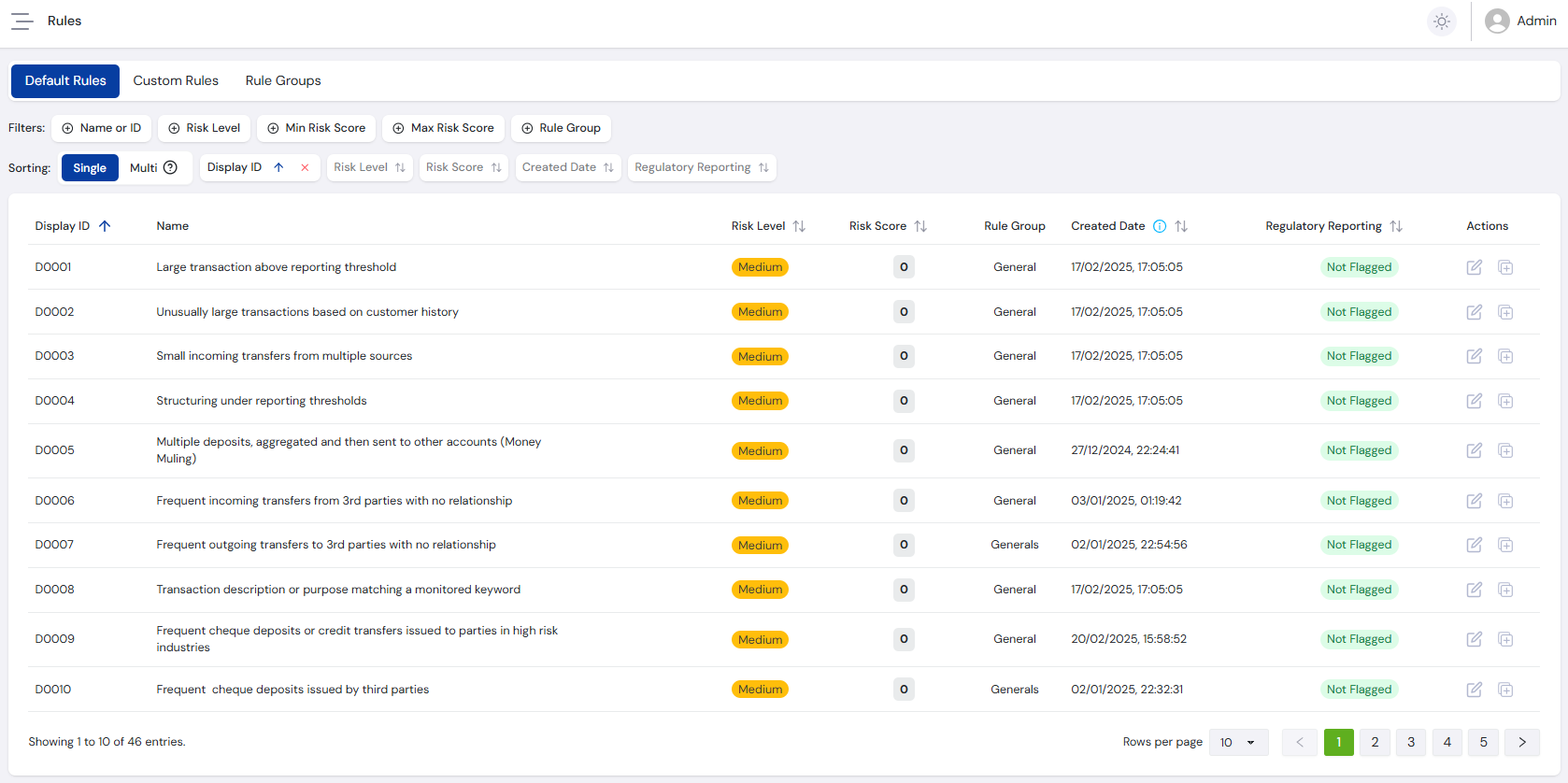
Default rules are provided out-of-the-box by industry experts. They are tailored to reflect common risk patterns across various industries and serve as a strong starting point. Default rules can be viewed, edited, and adapted to better suit your specific requirements.
Custom Rules
You can also build rules from scratch using the Rule Builder. This allows you to define your own data fields, thresholds, and logic to detect the exact behaviours relevant to your business.
Rule Modes
Every rule operates in one of two modes, depending on whether it needs to consider historical transaction data.
Transactional Rules
Transactional rules evaluate data from the current transaction only. They are assessed instantly using the fields submitted with the incoming transaction payload, making them well-suited for detecting one-off anomalies - for example, a transaction amount exceeding a set threshold, or a mismatched country and IP address.
Historical Rules
Historical rules incorporate past transactions associated with the same account or customer. This enables behavioural analysis over time, such as detecting velocity patterns, cumulative transaction values, or sudden changes in activity. Historical rules query your stored transaction data in real time and compare it against the incoming transaction to determine risk.
Core Components of a Rule
All rules in FraudShield are made up of up to three components. Which components are required depends on the rule mode.
Triggers
Triggers define the conditions an incoming transaction must meet for the rule to activate. They act as a gate - if the trigger conditions are not satisfied, the rule will not proceed. Triggers are available in both Transactional and Historical rules.
For example, a trigger might require that a transaction has a type of Deposit and an amount greater than 10,000. A transaction that meets both conditions will activate the rule; one that meets only one will not.
Queries (Historical rules only)
Queries define the scope and filters for the historical data to be retrieved and examined. For example, a query might retrieve all incoming transactions to a customer's account over the past 7 days, filtered by specific transaction types.
Result Logic (Historical rules only)
The Result section defines the conditions that must be met by the query output to raise a case. Here you define the aggregations, counts, and thresholds to apply against the historical data - for example, checking whether the total sum of retrieved transactions exceeds 10,000, or whether the count is greater than or equal to 3.
If the result conditions are satisfied, a case is automatically created for investigation.
Head to the Rule Builder guide for a full walkthrough of building a rule in FraudShield, or jump straight to Rule Examples to see complete rules in action.